top of page

I re-installed openSUSE Leap and set Clamav again.

  • kyonissho
  • Mar 24
  • 1 min read

I selected GNOME desktop at the installation.


With the 'Windows' key on the keyboard of 'so-called PC',

the search appears on the desktop.
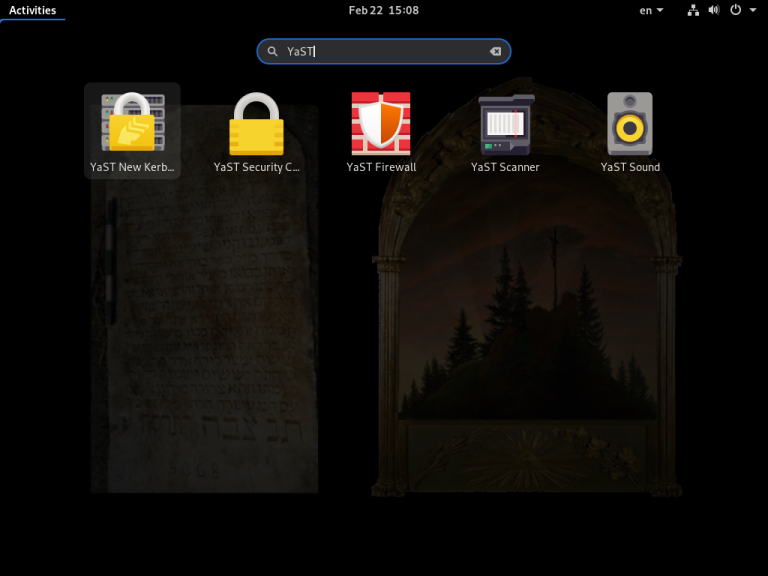

After the re-installation, I called YaST Security from the desktop,
and selected Workstation.
Next, called YaST Software from the desktop,
and selected clamav like this.
ClamTk which is a console of Clamav.
ClamTk.
ClamTk.

openSUSE Leap, Clamav, and many softwares are free.

And if you use these and decide, you can donate.


Now, as Clamav is a theme, I'm learning the command control of Linux with the terminal.


Some of Linux distribution below as reference:


OpenSUSE Linux:


Debian Linux:


Kubuntu Linux:


Fedora Linux:


(The first post on kyonissho.com/kyos-blog was February 22, 2021.)


(C) Copyright 2021 Kyo Nissho. All rights reserved.


Recent Posts

See All
About this category "from kyonissho com record."

Articles of this category "kyonissho com record" have been transferred from the category "record" of "kyonissho.com/kyos-blog" which I contracted until October 2026, the oldest is the top page and the


Comments


© 2025 Kiyom Nishio (Kyo Nissho). All rights reserved.


bottom of page