note: how to install and operate clamav.
- kyonissho
- Mar 16
- 1 min read
the Linux's community who develop the distribution accumulates the results into the repository.
(Therefore, I feel each developer is realizing original cultural approach, and very unique.)
With 'Terminal', Linux is operated in the linkage of the PC and repository.
Fedora's repository is 'dnf' and 'yum'.
In case of GNOME (GUI) of Fedora, the application of Terminal is 'Terminal', and KDE (GUI) of Fedora, the application is 'Konsole'.
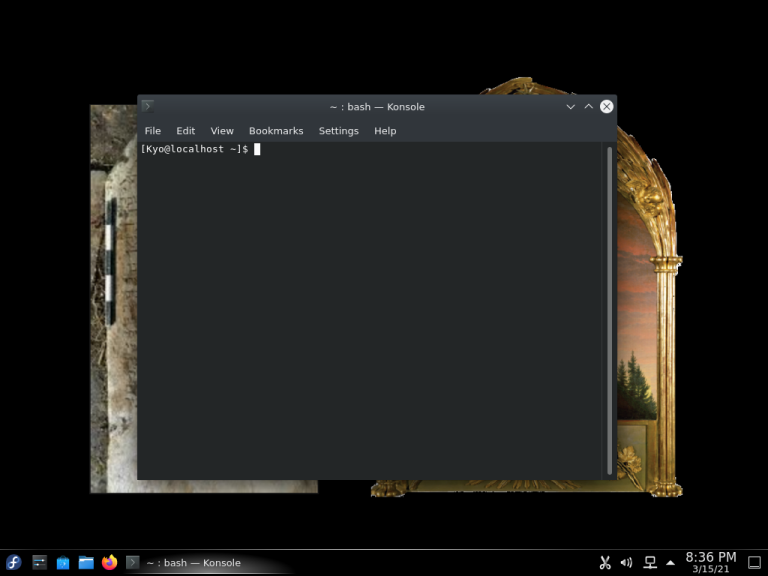
Input below on the command cursor.
clamav install is:
sudo dnf install clamav
note:
sudo is not
super user do.
clamav's database becomes available to update:
sudo dnf install clamav-update
clamav's virus database update:
sudo freshclam
clamav's scan:
clamscan
is home directory scan, or full scan (recursive scan to home directory) is
clamscan -r
Some of Linux distribution below as reference:
OpenSUSE Linux:
Debian Linux:
Kubuntu Linux:
Fedora Linux:
The GUI of Fedora workstation is GNOME.
Fedora 33 Scientific:
With the applications for science. the GUI is KDE.
(The first post on kyonissho.com/kyos-blog was March 16, 2021.)
(C) Copyright 2021 Kiyom Nishio (Kyo Nissho). All rights reserved.

Comments